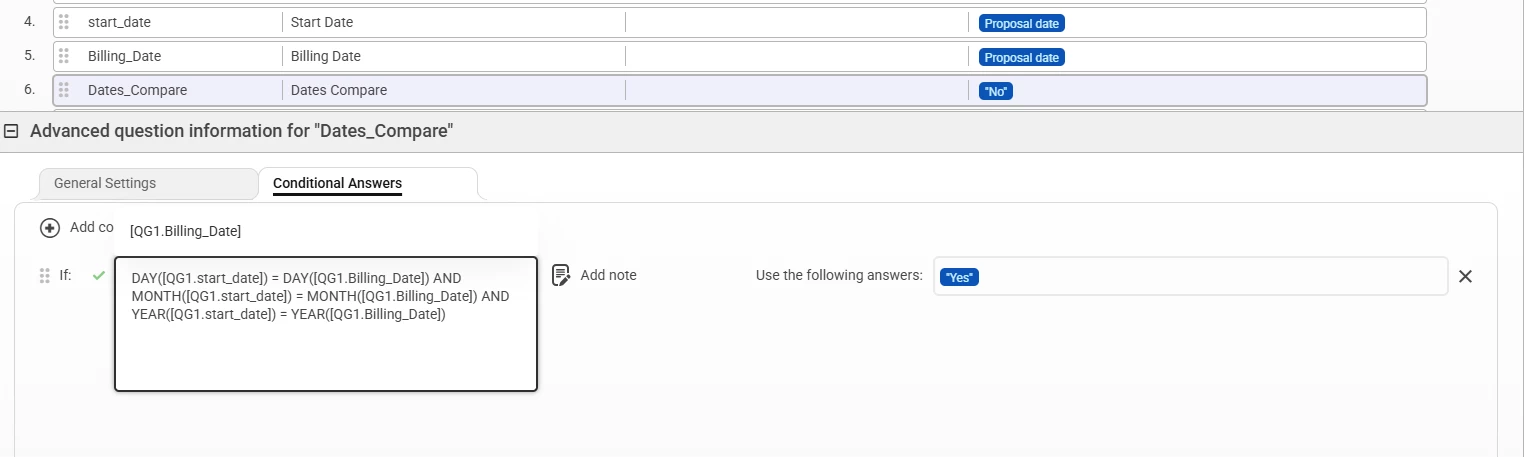
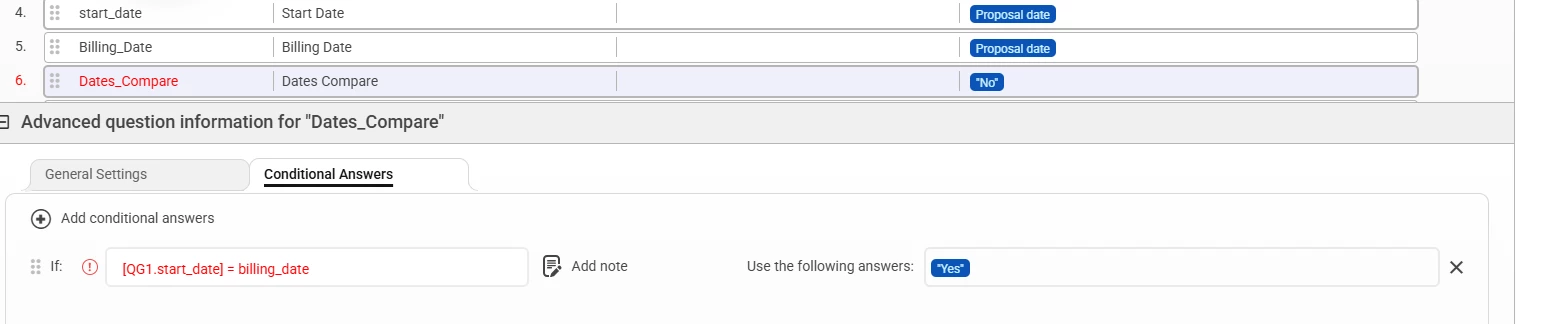
When working with date questions, it’s important to know that the system doesn’t support direct equality (=) comparisons between two dates.
For example, trying to compare:
❌ [GQ1.start_date] = [GQ1.Billing_Date]
won’t work as expected.
✅ The Correct Way: Compare Date Parts with Formulas
To properly compare two dates for equality, break each date into its Day, Month, and Year components and compare them individually using formulas.
Example logic:
-
DAY([GQ1.start_date]) = DAY([GQ1.Billing_Date]) -
MONTH([GQ1.start_date]) = MONTH([GQ1.Billing_Date]) -
YEAR([GQ1.start_date]) = YEAR([GQ1.Billing_Date])
When all three conditions are true, the two dates are effectively the same, and the system accepts equality without issues.