

Hi!
Did you know that you can easily add text with clickable links inside of proposal attributes?

To do so, simply add HTML formatting from the backend configuration of your proposal attribute in the assignment rule. For example, <a href="https://www.dealhub.io">Open DealHub website</a>:

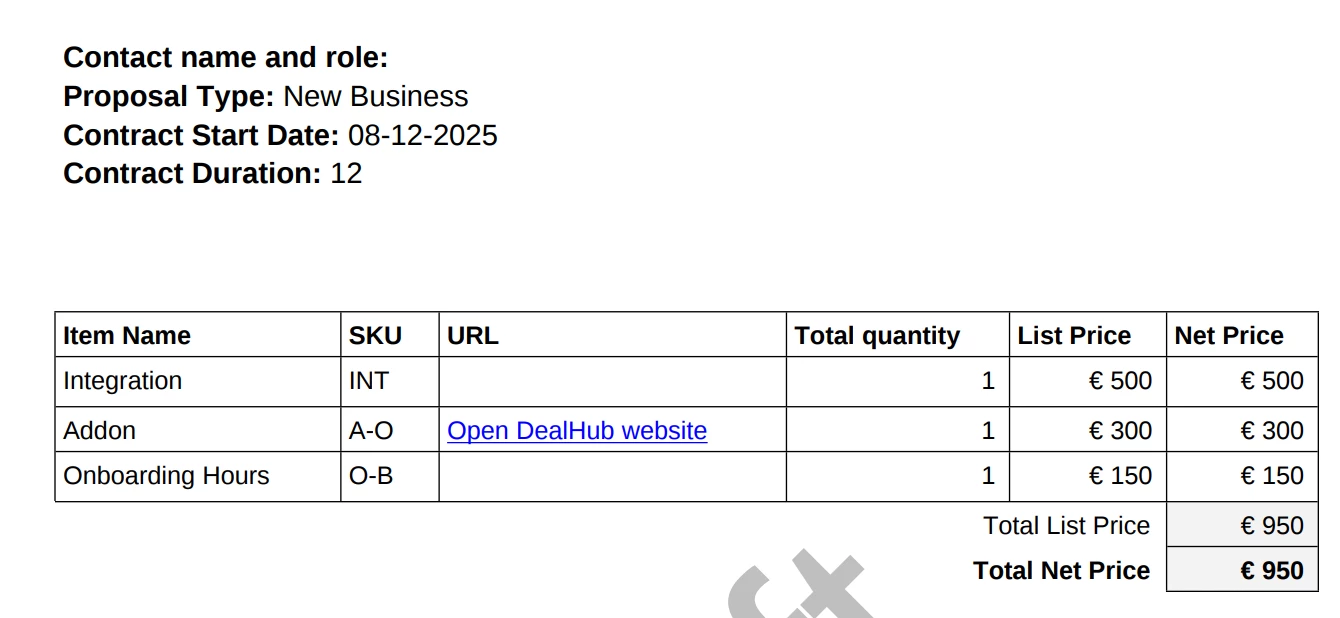
The link will also be clickable in the output document:
Enjoy!