


Are you a new admin?
Here are a few useful links to help you get started:
- DealHub Kickstart in Less Than 45 Minutes - A series of videos to help you get the hang of DealHub CPQ.
- Integrations and Add-ons Manuals for All Supported CRMs and Apps
- DealHub Academy Essential Admin Learning Path- A hands-on learning path covering all the basics to become a certified DealHub admin.
Please pay attention:
The DealHub Academy was designed to help our customers become expert DealHub admins through self-learning videos, interactive knowledge checks, and hands-on exercises.
To enroll in the courses, or view some of the articles, you will need to sign up for our knowledge center.
Go to DealHub Academy, and follow the instructions below:
Click on the Sign-in button.

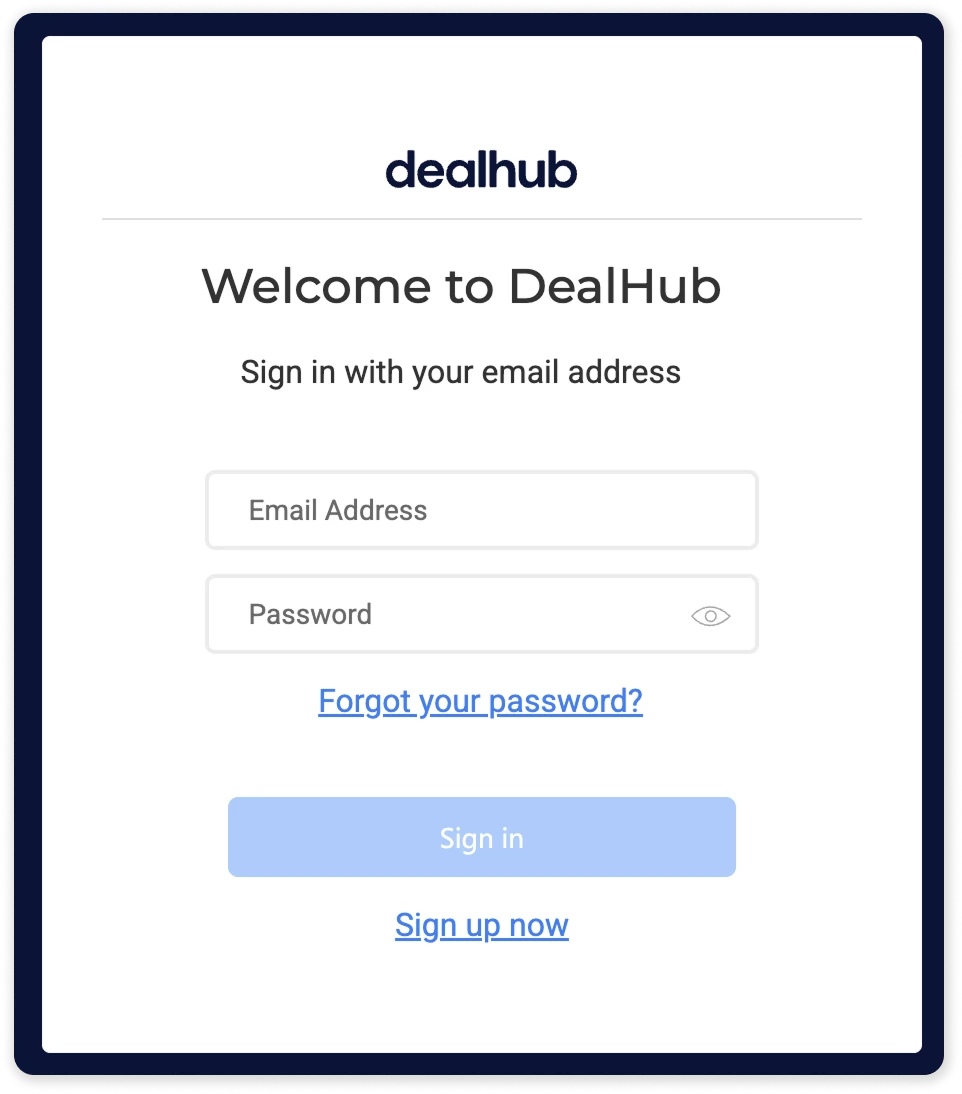
You will be redirected to the welcome page.
Note: the same registration process apply also for DealHub Knowledge Center, you can use the same credentials to log in to both.
Click on Sign up now at the bottom of the screen.
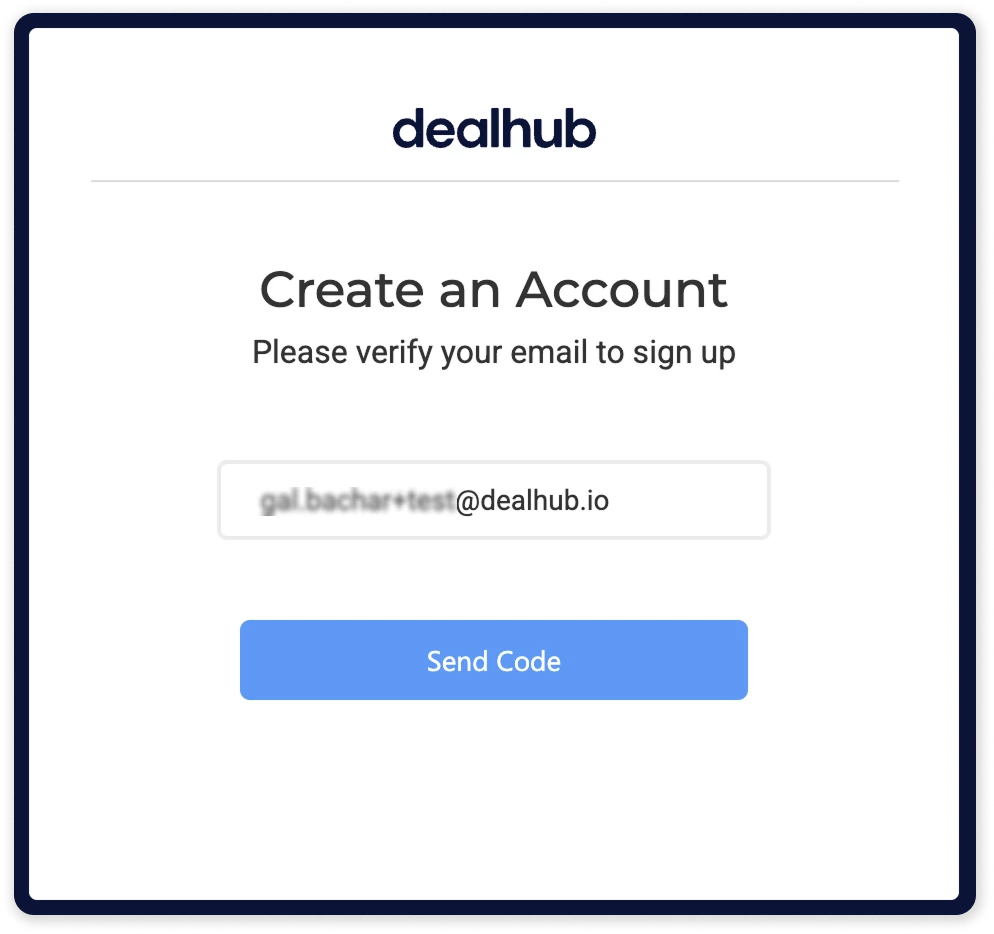
Enter your email address and click on Send code.
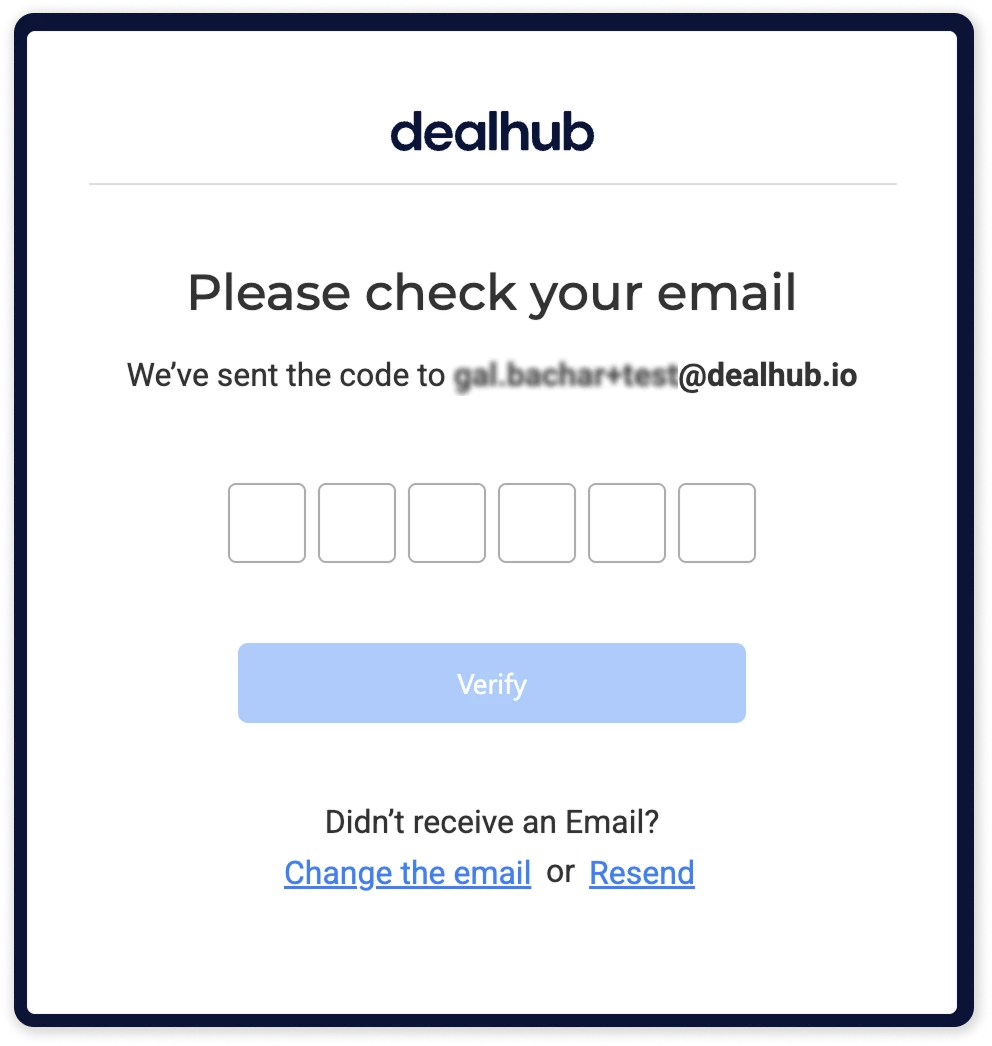
Copy the code sent to your email and click Verify.
Once the code is verified, choose a password and fill in your details.
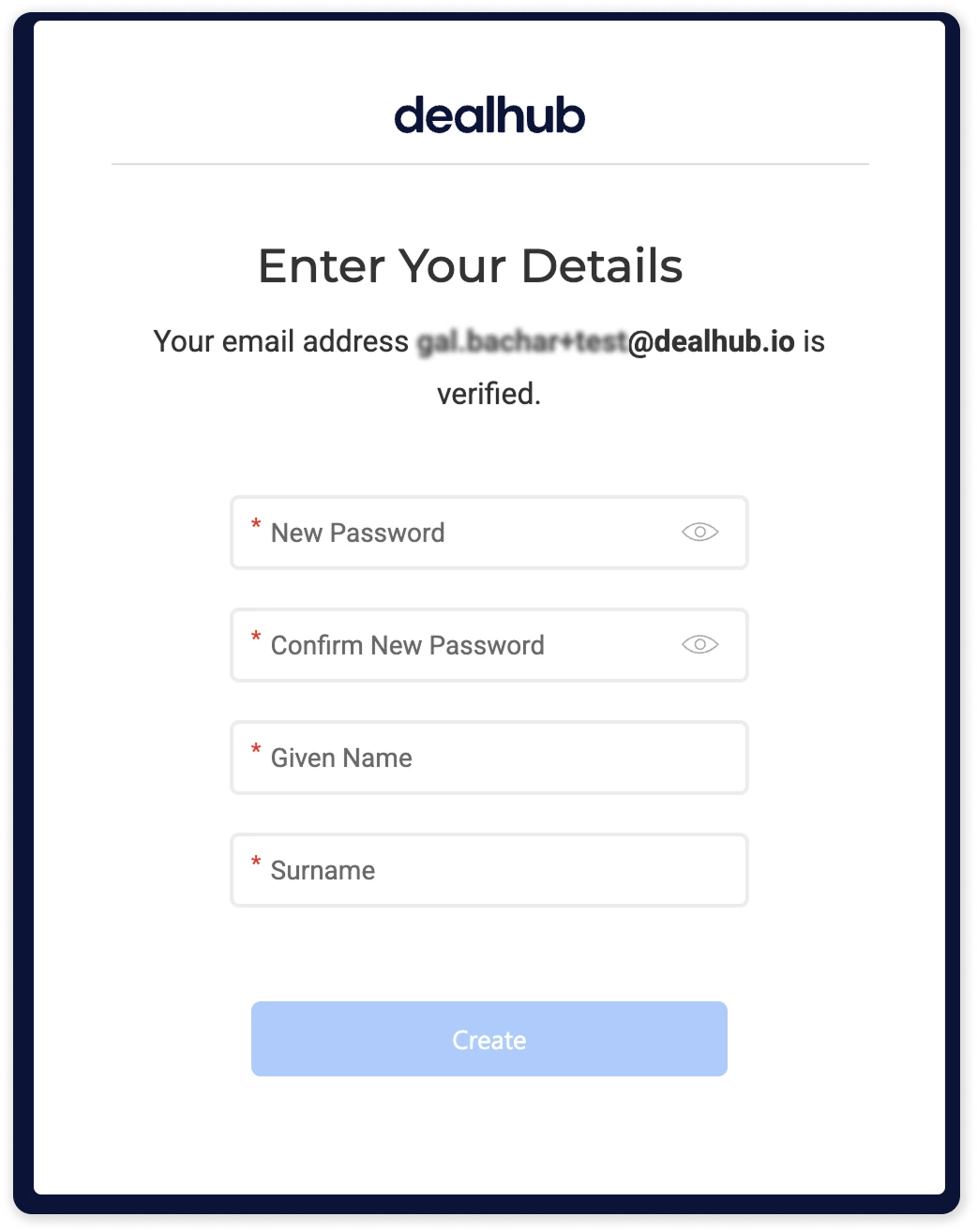
Please ensure you enter your "Given Name" and "Surname", as these will be the names displayed on your DealHub certification later.
Pay attention that your password needs to have 8-16 characters, containing 3 out of 4 of the following:
-
Lowercase characters
-
Uppercase characters
-
Digits (0-9)
-
One or more of the following symbols: @ # $ % ^ & * - _ + = [ ] { } | \ : ' , ? / ` ~ " ( ) ; .
When done, click Create.